Bicycle JS
Run complete
Bicycle JS result
Highlights
Bicycle JS · Same-seed comparison
Compare both runs
View full run details
Reference run
Highlights
Your run
Highlights
This is a factual comparison with an anonymous, client-submitted snapshot. It is not a verified score or global ranking.
How to play Bicycle JS
- Use the arrow keys to steer and control the bicycle on desktop.
- Use the controls shown in the game.
Explore the course, keep the bicycle moving, and use steering and speed control to choose your own route. This build has no formal finish state.
About Bicycle JS
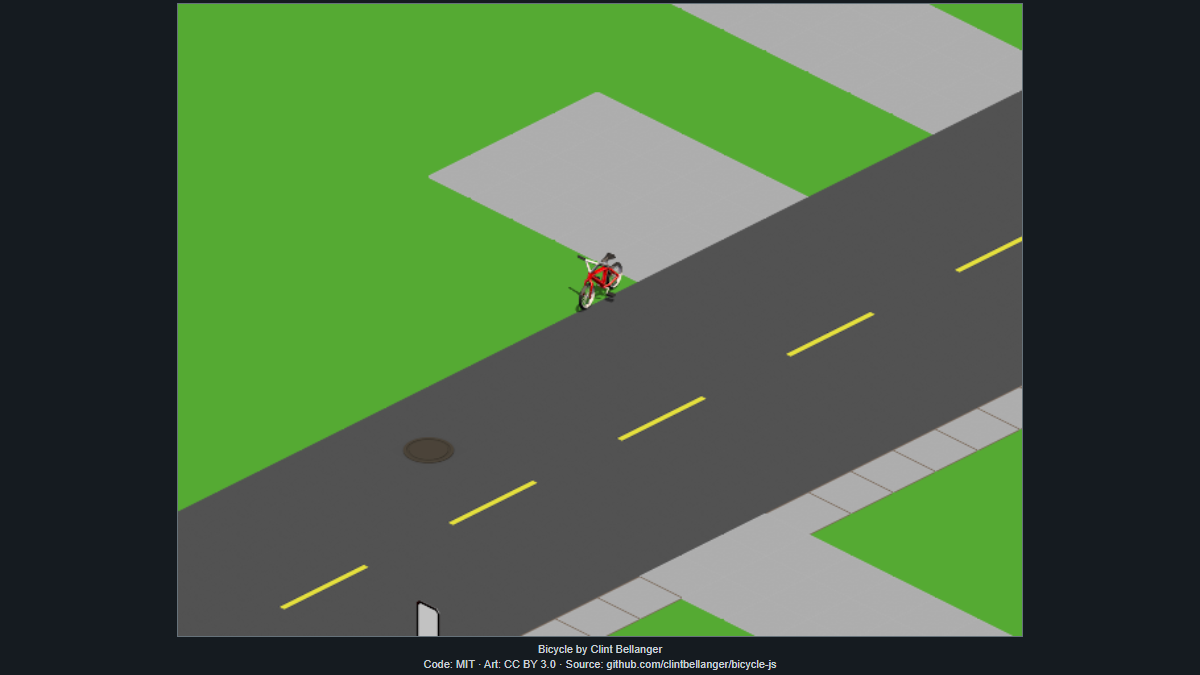
An isometric bicycle game built around riding and exploring a compact course from a fixed angled view.
Quick tips
First move
Dismiss the opening screen, then use short steering inputs while you build up movement and learn the course layout.
Practical tip
Use small direction changes instead of holding a turn for too long; the isometric view makes gentle corrections easier to read.
Bicycle JS: Desktop Controls, Steering, and Exploration Basics
Learn how to start moving, read the isometric view, steer with the keyboard, and explore Bicycle JS comfortably on desktop.