Brickout
Run complete
Brickout result
Highlights
Brickout · Same-seed comparison
Compare both runs
View full run details
Reference run
Highlights
Your run
Highlights
This is a factual comparison with an anonymous, client-submitted snapshot. It is not a verified score or global ranking.
How to play Brickout
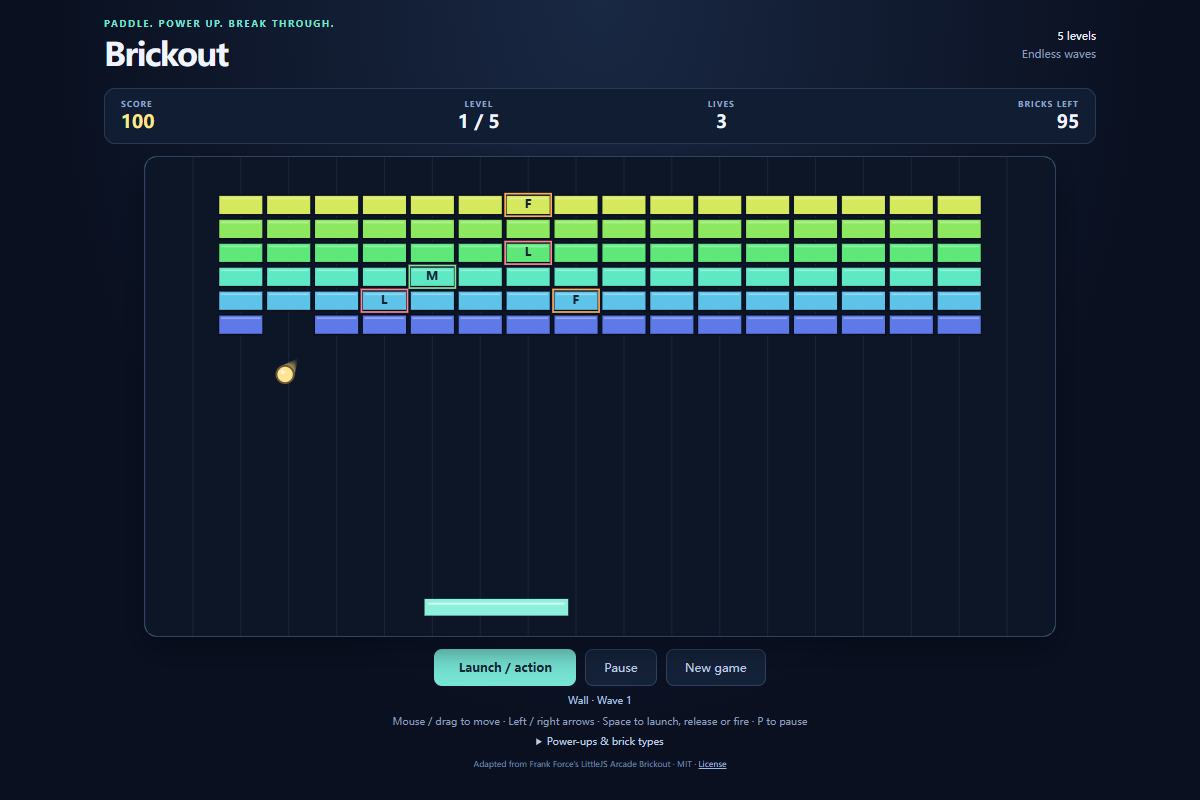
- Move the mouse or use Left and Right Arrow to guide the paddle. Click the playfield, press Space, or choose Launch ball to serve; the same action releases sticky balls or fires an active laser.
- On touch screens, drag to move the paddle and use the launch button. Use Pause or P to stop the rally and New game for a fresh three-life run.
Clear every breakable brick to reach the next formation. Complete five formations to begin a faster wave, and keep at least one ball in play to protect your lives.
About Brickout
A paddle-and-ball arcade game where rebounds clear brick formations and falling power-ups change the next rally.
Quick tips
First move
Center the paddle under the waiting ball, launch it, and follow its downward path before chasing the first power-up.
Practical tip
Catching the ball matters more than catching a power-up. The point where the ball strikes the paddle changes its rebound direction.
Brickout: Paddle Rebounds, Power-Ups, and Faster Waves
Learn how to keep the ball in play in Brickout, aim paddle rebounds, recognize seven power-ups, and progress through five brick formations into faster waves.