Gomoku
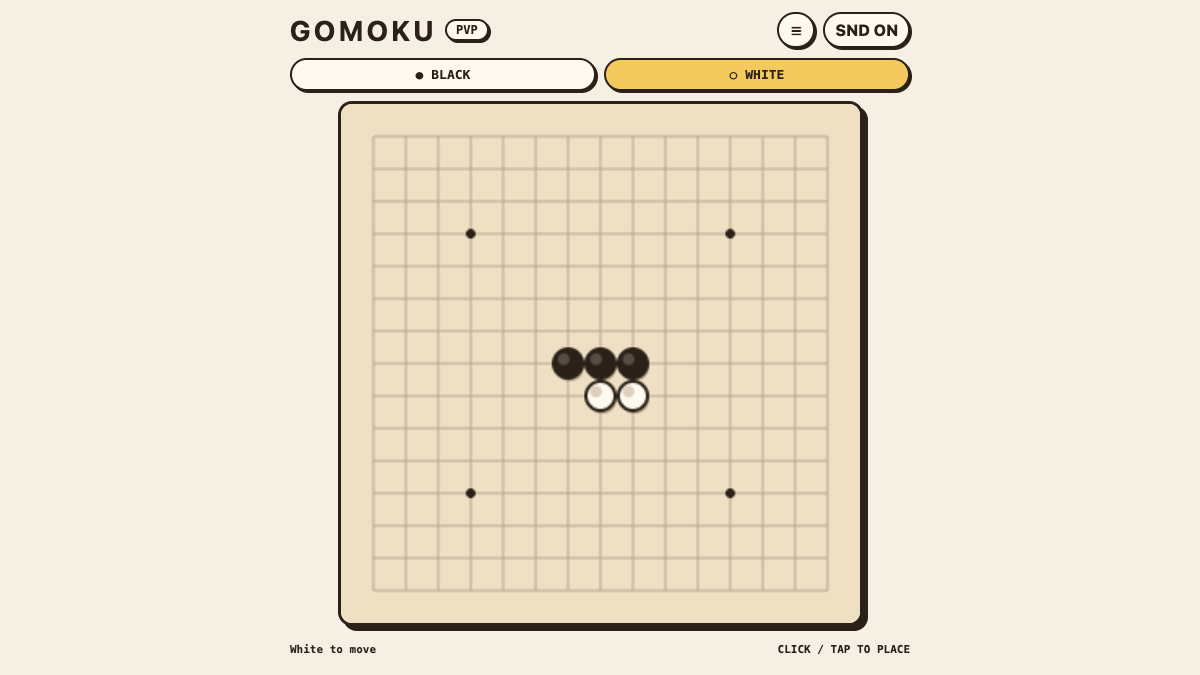
Loading the game…
Run complete
Gomoku result
Highlights
Gomoku · Same-seed comparison
Compare both runs
View full run details
Reference run
Highlights
Your run
Highlights
This is a factual comparison with an anonymous, client-submitted snapshot. It is not a verified score or global ranking.
How to play Gomoku
- Choose 2 Players or an AI difficulty, then click or tap an empty board intersection to place your stone.
- Use the menu controls to restart the board or switch between local two-player and Easy, Medium, or Hard AI.
KeyboardMain controls (see in-game help)MousePoint and clickTouchTap and swipe on mobile
Place stones on empty intersections and make five or more of your stones in an unbroken horizontal, vertical, or diagonal line before your opponent.
About Gomoku
A 15×15 Freestyle Gomoku board with local two-player play and three computer difficulty levels.
Quick tips
01
First move
Start near the center so your next stones have room to extend in several directions.
02
Practical tip
Watch both ends of every developing line; a move that extends your own threat can also block an opponent at the same time.
Go a little further
Read the guide Gomoku: 15×15 Freestyle Rules, Local Play, and AI Basics
Learn the 15×15 Freestyle Gomoku rules, make a clean opening, play locally with two players, and practice against three AI levels.