CubeStack 3D
Run complete
CubeStack 3D result
Highlights
CubeStack 3D · Same-seed comparison
Compare both runs
View full run details
Reference run
Highlights
Your run
Highlights
This is a factual comparison with an anonymous, client-submitted snapshot. It is not a verified score or global ranking.
How to play CubeStack 3D
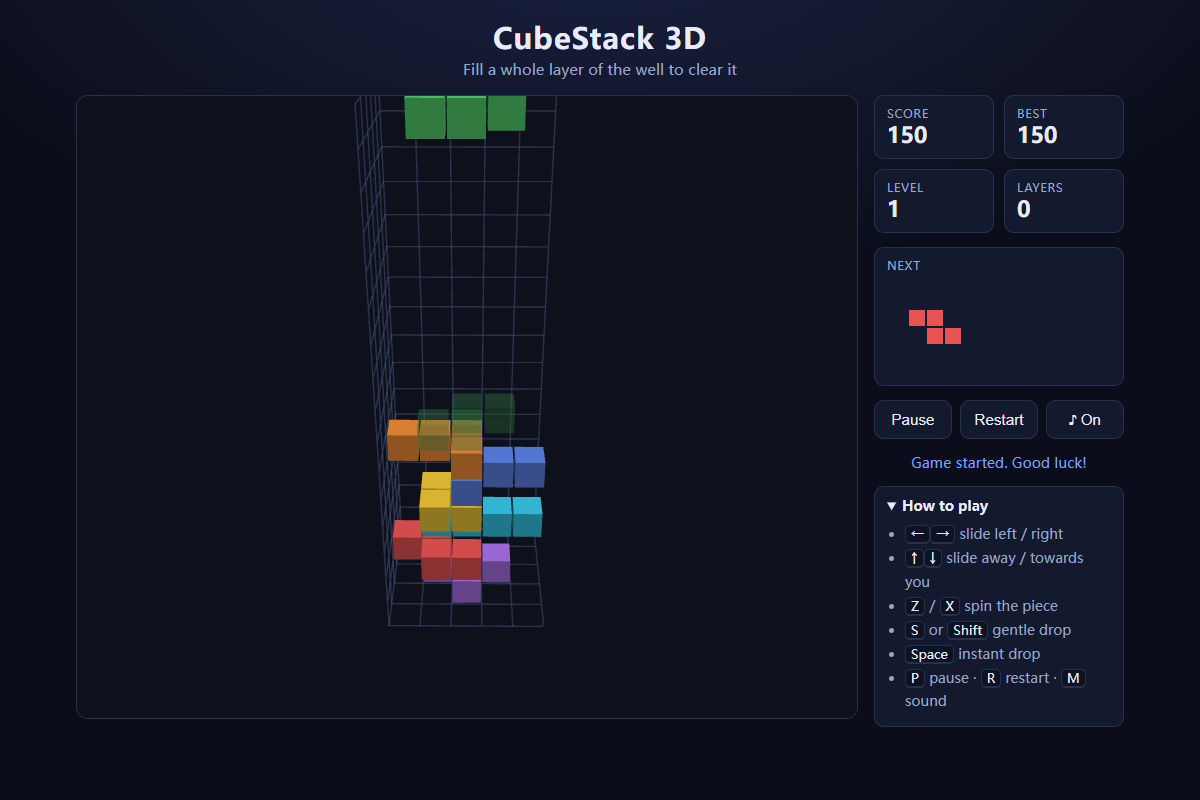
- Use the arrow keys to slide the falling piece across the well. Press Z or X to rotate it around the vertical axis.
- Hold S or Shift to soft drop, press Space to hard drop, P to pause, R to restart, and M to toggle sound.
Build compact layers across the full 5×5 floor, clear them for points, and keep the stack low enough for each new piece to enter the well.
About CubeStack 3D
An original 3D block-stacking puzzle where flat pieces descend into a deep square well and every completed 5×5 layer disappears.
Quick tips
First move
Use the ghost landing guide to place the first piece near an edge or corner without leaving a narrow cavity underneath it.
Practical tip
Think in complete horizontal layers rather than tall columns: spread pieces across the 5×5 footprint and preserve flat landing space for awkward shapes.
CubeStack 3D Guide: Controls, Layer Clears, and Survival
Learn how to play CubeStack 3D: move and rotate falling pieces in the 5×5×16 well, use the ghost guide, build complete layers, and keep the stack under control.