Block Puzzle
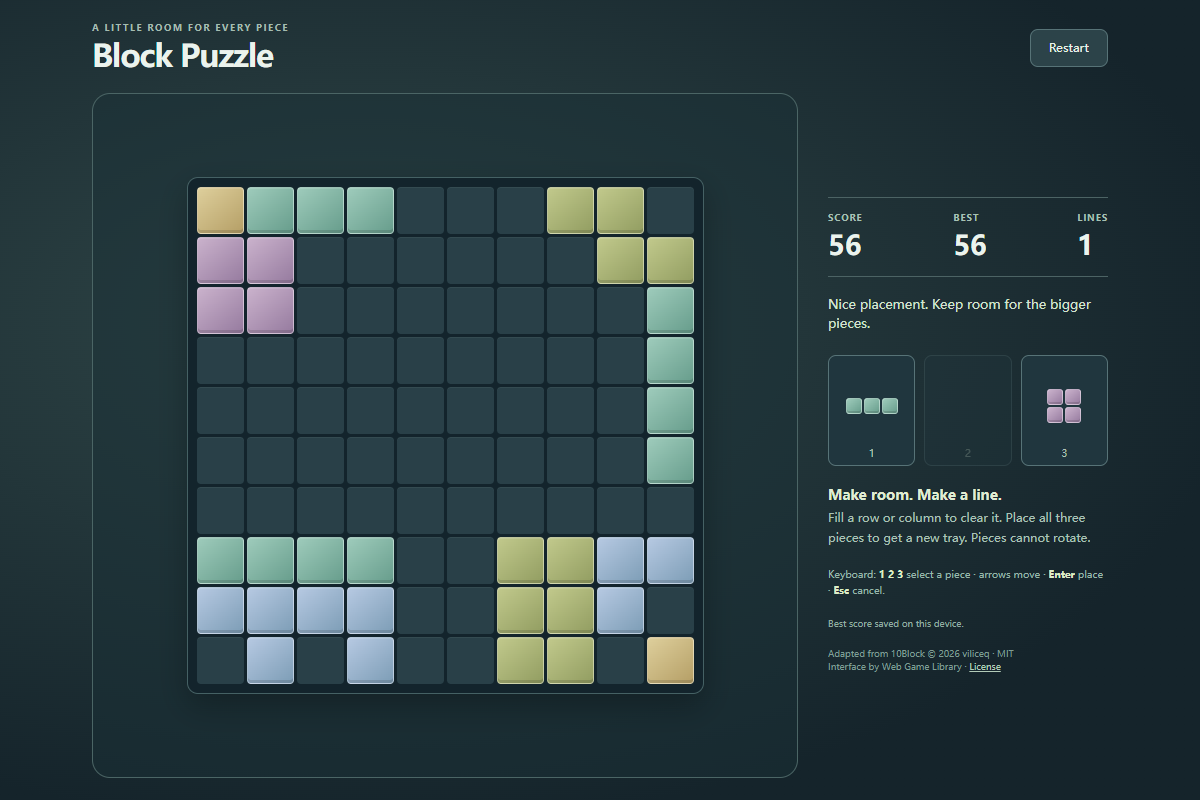
Run complete
Block Puzzle result
Highlights
Block Puzzle · Same-seed comparison
Compare both runs
View full run details
Reference run
Highlights
Your run
Highlights
This is a factual comparison with an anonymous, client-submitted snapshot. It is not a verified score or global ranking.
How to play Block Puzzle
- Drag a piece from the tray onto the board, or select a piece and click or tap the cell for its top-left corner. Shapes cannot rotate.
- Press 1, 2, or 3 to select a tray piece, use the arrow keys to position its preview, and press Enter to place it. Escape cancels selection; Restart begins a fresh board.
Score by placing blocks and clearing full rows or columns. Use all three shapes to refill the tray; the run ends when none of the remaining pieces fits anywhere.
About Block Puzzle
An untimed block-placement puzzle on a 10×10 grid. Choose the order of three supplied shapes, fit them into open spaces, and clear complete lines to keep the board usable.
Quick tips
First move
Inspect all three shapes, then place a larger piece along an edge while leaving a connected open area for the other two.
Practical tip
Plan the whole tray before placing its first piece. A small isolated gap is less useful than one open area that can accept several shapes.
Block Puzzle: Place Three Shapes, Clear Lines, and Keep Space
Learn the 10×10 Block Puzzle rules: choose a placement order for three shapes, use the top-left anchor, clear rows and columns, and keep room for the next tray.