QuestHub editorial selection · Reviewed 22 October 2026
Best Browser Games: Our QuestHub Picks
Looking for the best free browser games to try next? These are our top browser games from the QuestHub catalog, chosen for different kinds of play: merging, deduction, timing, planning and action. Each runs here for free, with no download or sign-up.
This selection covers games hosted on QuestHub. The order is editorial, with no player-count, rating or popularity data behind it.See how we choose.
 PICK
PICKA tactile merge puzzle
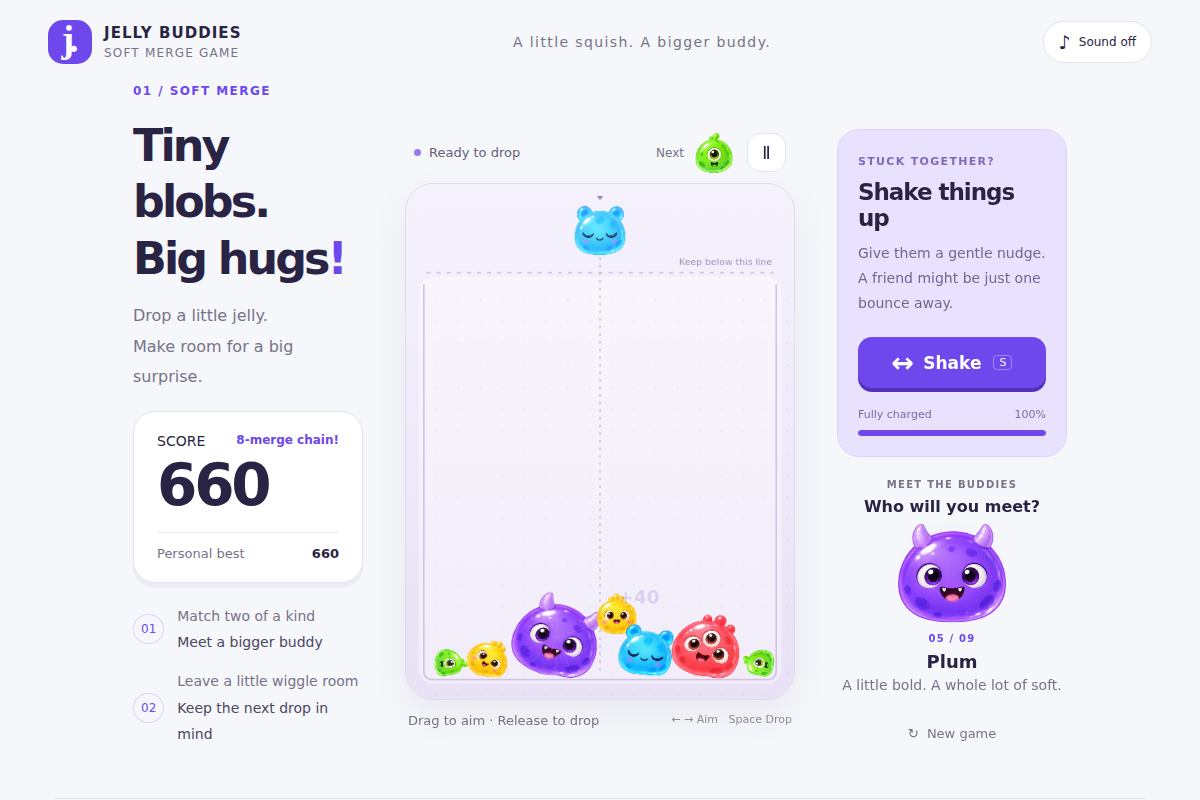
Jelly Buddies
Matching creatures merge inside a soft, wobbling pile. Where a buddy settles matters as much as where you aim, so waiting for a drop to finish gives you a different decision from a tile-based puzzle.
Try this first: Drop your first green buddy onto a starting green buddy, then leave space around the larger match.
Before you choose: The pile keeps moving between drops. Your best score can persist, but an unfinished pile does not survive a reload.
- Devices
- Desktop, Mobile
- Controls
- Keyboard, Mouse, Touch
Thinking between moves
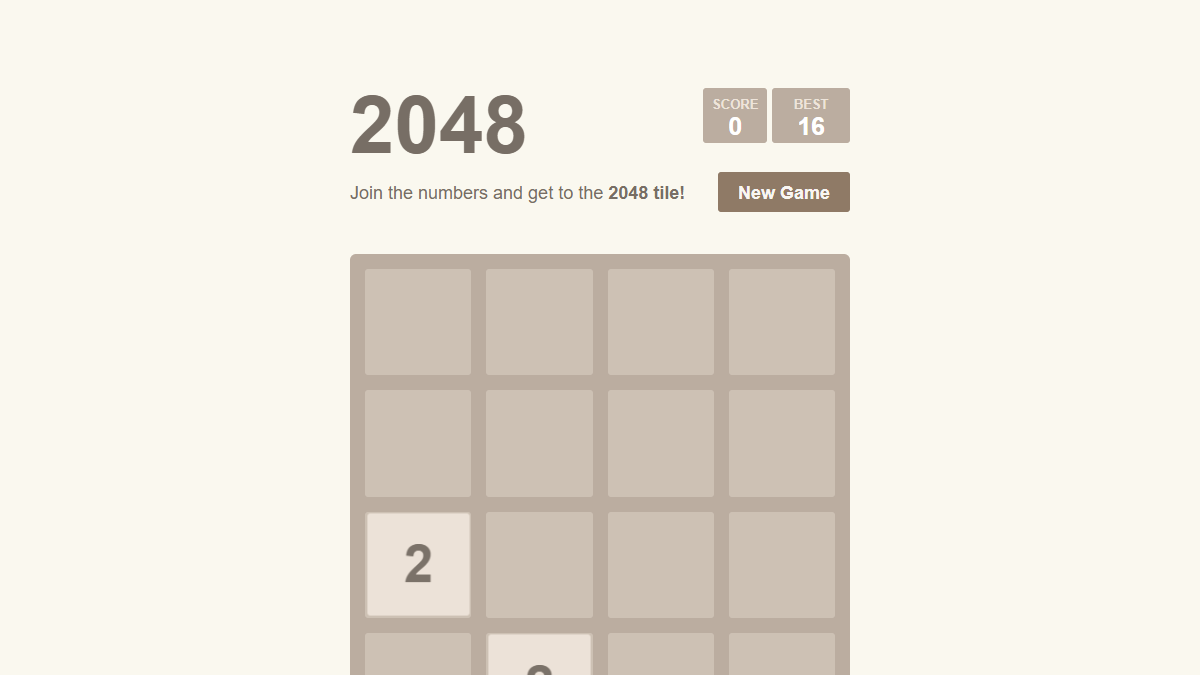
2048
One slide moves the whole board. Equal tiles merge once per move and a new tile takes an empty space, making room management a clear, readable puzzle. There is no countdown forcing the next decision.
Try this first: Use the arrow keys or swipe to bring matching tiles together. Keep your largest tile near one corner.
Before you choose: Every slide affects the entire board; this version has no Undo. A full board with no possible merge ends the run.
- Devices
- Desktop, Mobile
- Controls
- Keyboard, Touch
 PICK
PICKReading clues on a hidden grid
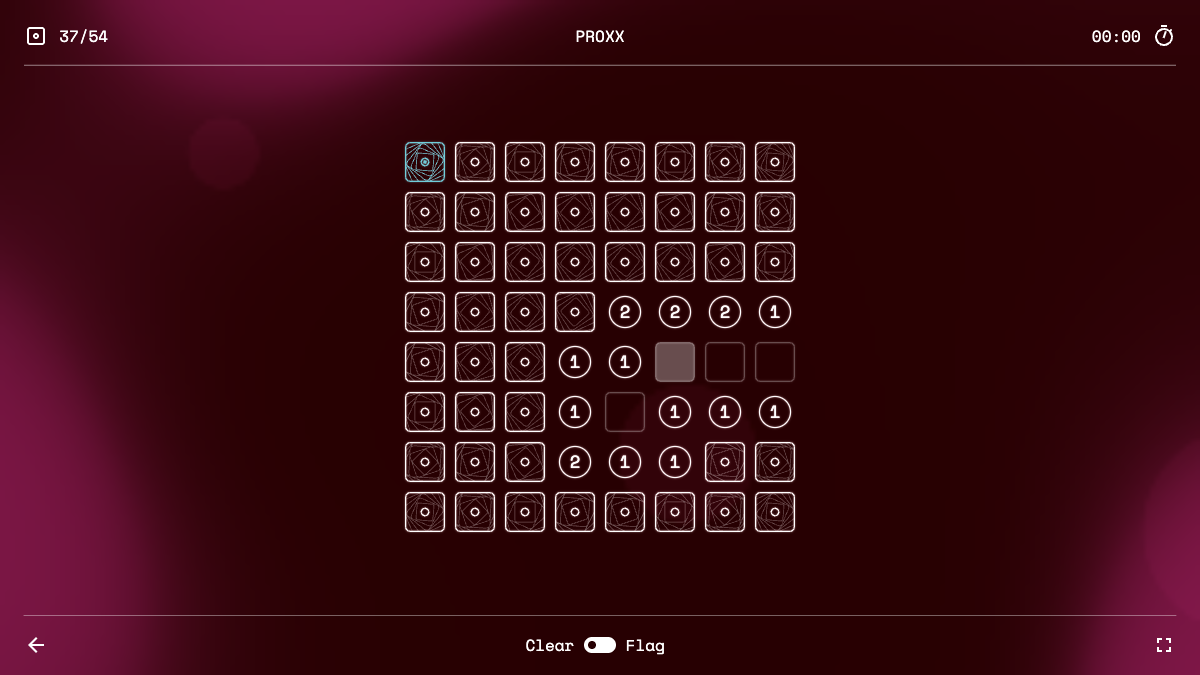
PROXX
Numbers count neighboring black holes, while blank cells reveal safe space. We chose it for the contrast between a friendly first reveal and the careful deductions needed to uncover every safe tile.
Try this first: Choose Easy, reveal a tile and compare its number with the surrounding covered cells. Use flags to record suspected black holes.
Before you choose: The safe opening does not make every later choice certain. Larger boards need more screen space; start with Easy on a narrow display.
- Devices
- Desktop, Mobile
- Controls
- Keyboard, Mouse, Touch
Planning a small puzzle step by step
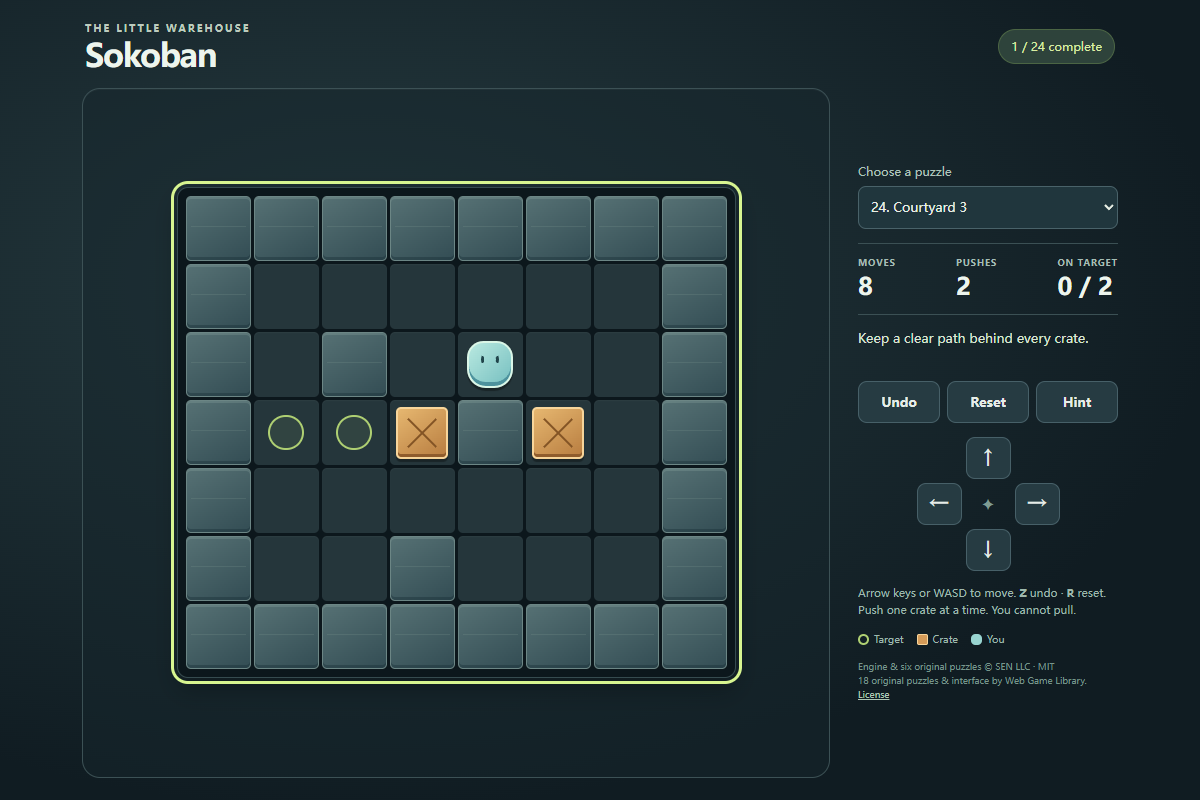
Sokoban
You can push crates but cannot pull them. That single constraint makes the route behind each crate important. The opening puzzles teach the rule directly, and Undo lets you examine a mistake without restarting the whole puzzle.
Try this first: Move right once in First push to place the crate on its target. In the next puzzle, walk around the crate before pushing.
Before you choose: Crates cannot pass through walls or other crates. On touch screens, use the direction buttons; tapping a crate does not move it to a destination.
- Devices
- Desktop, Mobile
- Controls
- Keyboard, Mouse, Touch
 PICK
PICKA one-action timing challenge
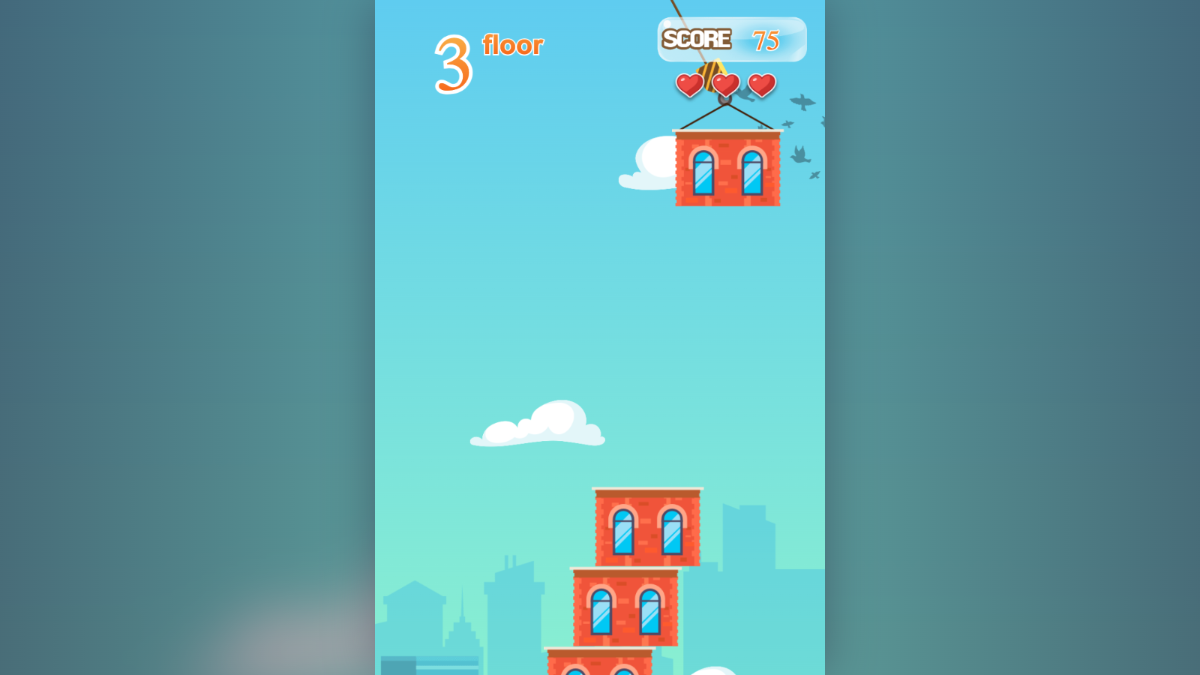
Tower Game
Click or tap to release a moving floor. The decision is when to act rather than where to aim, making it an accessible change of pace from the slower puzzles in this selection.
Try this first: Choose Start building, release one floor and watch it land before dropping the next. Aim for a few clean placements first.
Before you choose: A missed landing costs a heart. Repeated clicks while a floor is falling do not replace careful timing, and there is no fixed final floor.
- Devices
- Desktop, Mobile
- Controls
- Mouse, Touch
Transport and resource planning
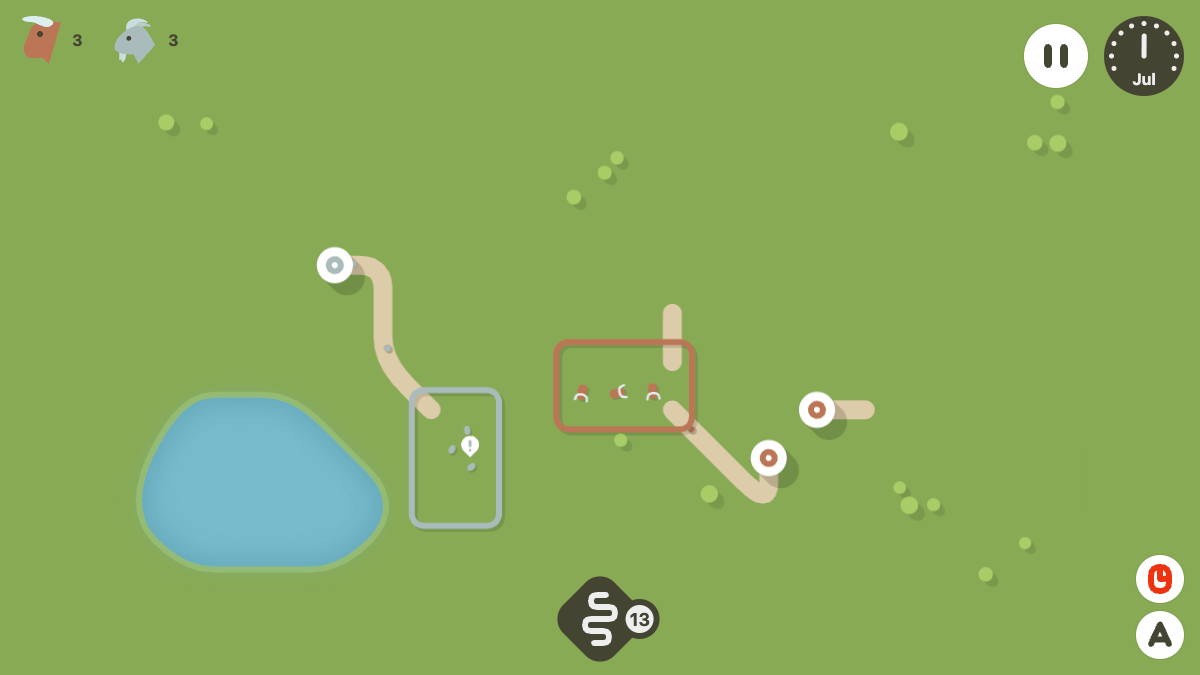
Tiny Yurts
Limited road tiles connect residents to matching farms. A road is only useful if people can reach the right destination, so the visible movement gives concrete feedback on each planning choice.
Try this first: Connect a matching yurt and farm with a short continuous road, resume and watch a resident reach the farm.
Before you choose: Demand continues to grow; one working connection is only an opening. Use pause for planning once the control becomes available. This is a solo settlement game.
- Devices
- Desktop, Mobile
- Controls
- Mouse, Touch
Desktop action with separate movement and aim
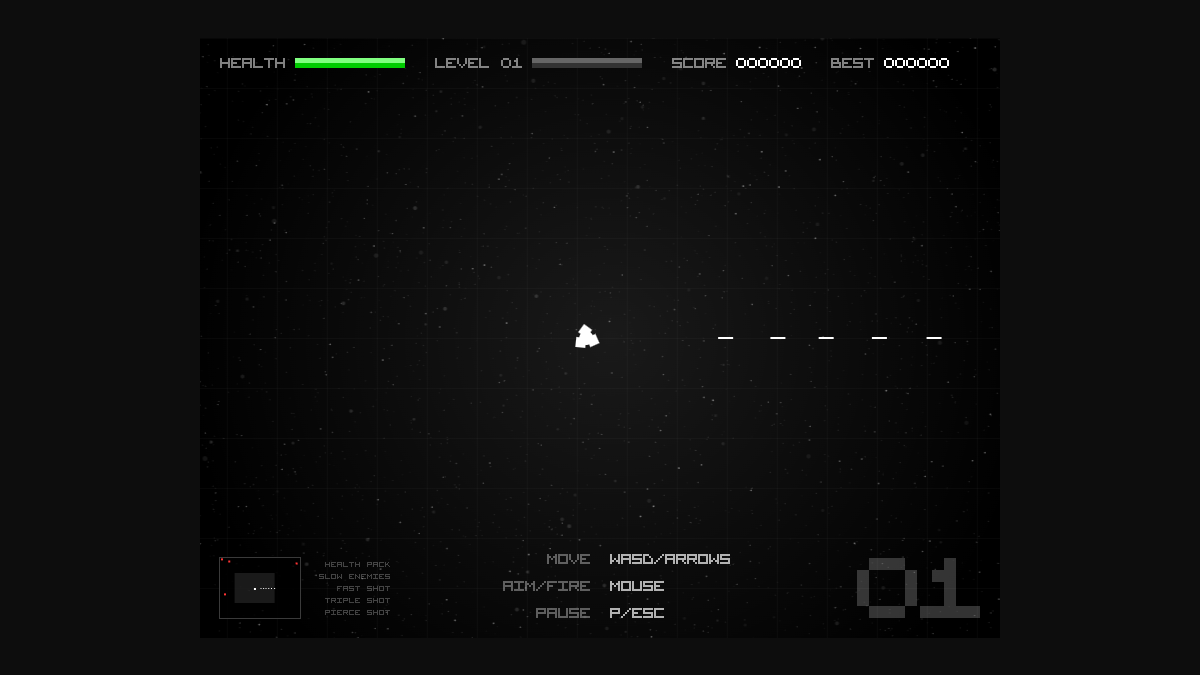
Radius Raid
Move the ship with the keyboard while aiming and firing with the mouse. Traveling away from a swarm while shooting toward it gives this arena game a different rhythm from the click-or-tap picks.
Try this first: Choose Play, move into open space with WASD or arrows, and hold the mouse button while pointing at an approaching enemy.
Before you choose: Desktop keyboard and mouse are required by the current catalog; touch play is not supported. Firing slows your movement, so release it when you need an escape route.
- Devices
- Desktop
- Controls
- Keyboard, Mouse
How we choose our best browser games
We choose within the current QuestHub catalog. Every pick must be an active release with recorded license, build and network checks, supported controls and an illustrated gameplay guide. We then look for a distinct reason to play: a clear first action, useful feedback and a different decision from the other picks. The reasons above are editorial judgments; the game pages retain source and license details.
Device and input labels come from the reviewed catalog. Chrome browser checks and touch emulation cover representative interactions; they do not certify physical phones, tablets, Edge, Firefox or Safari, or full completion of every game. “Mobile” is a per-game catalog label, not a claim that every game here supports touch.
No account or download is needed to start these games. This is not an ad-free promise. For more on the checks and their limits, read ourreview policy.